Jupyter Notebooks
Jupyter Notebooks offer a flexible, interactive UI for combining code, prose, and visualizations.
Positron enhances Jupyter Notebooks in several key ways:
- Notebooks work out of the box. You don’t need to install any additional dependencies into your Python or R environments.
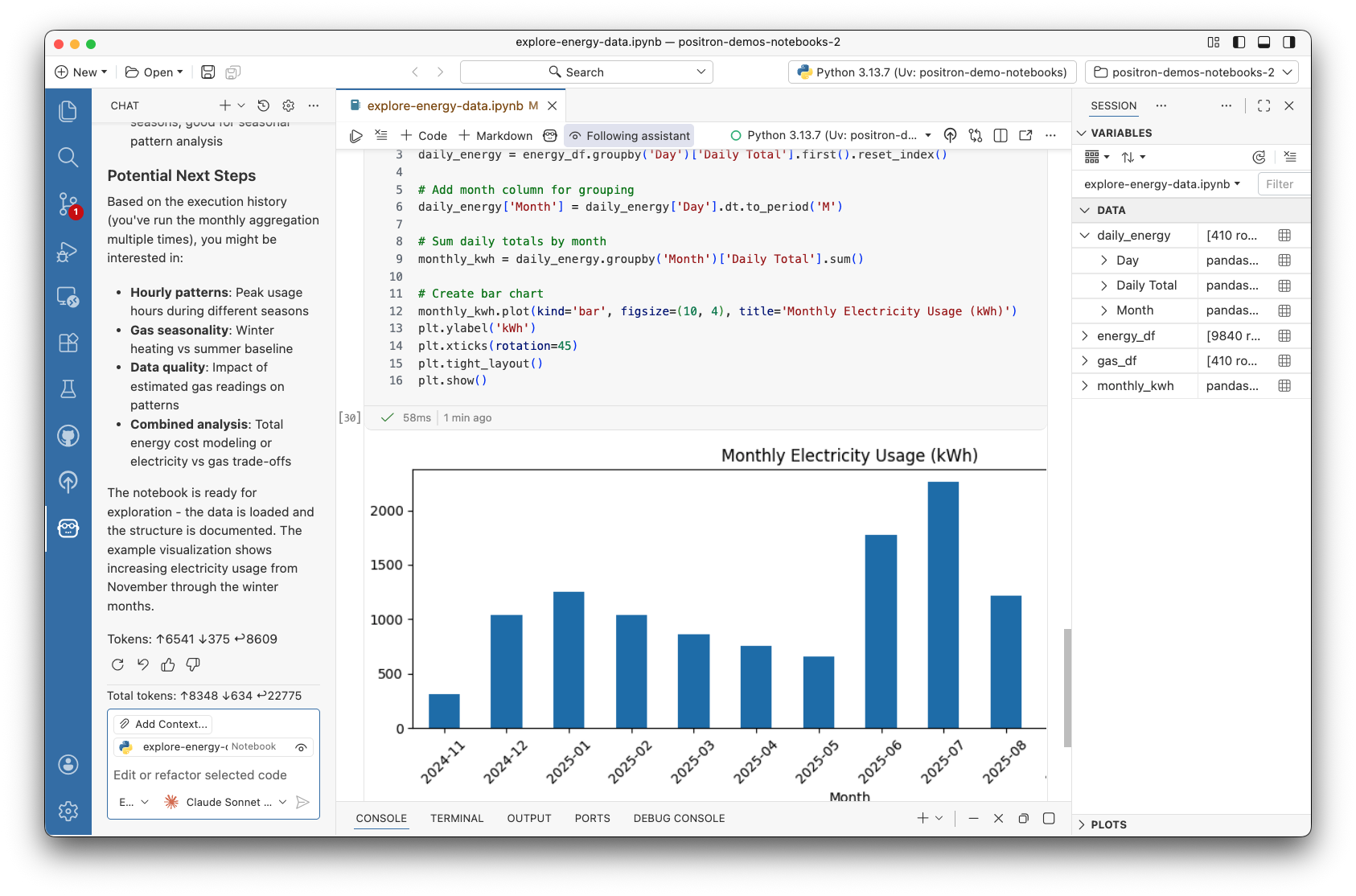
- Notebooks are integrated into the IDE, allowing you to manage data sources in the Connections Pane, view data at a glance in the Variables Pane, explore data in depth with the Data Explorer, and browse documentation in the Help Pane.
- Language features such as autocompletion and go-to-definition work seamlessly across notebooks and plaintext files.
Notebook editors
Positron currently offers two editors for working with Jupyter Notebooks: the Positron Notebook Editor which is currently in alpha, and the Legacy Notebook Editor which is the default VS Code based notebook editor.
Positron Notebook Editor
The Positron Notebook Editor is currently in public alpha. We are actively working on improving the Notebook experience in Positron and want to hear from you! Share your thoughts on this Github discussion or schedule a call with our product and engineering team.
The Positron Notebook Editor is a native notebook experience built specifically for Positron. It provides notebook-aware AI assistance, integrated data exploration, and an improved user experience for data science workflows.
To enable the Positron Notebook Editor, see the setup instructions.
Legacy notebook editor
The Legacy Notebook Editor is the default Code OSS based notebook editor. If you’re familiar with Jupyter Notebooks in VS Code, this editor will feel familiar.